
Description
Push Notification for Post and BuddyPress (PNFPB) delivers free web push notifications to desktop browsers, Android, and iOS devices using Firebase Cloud Messaging (FCM) HTTP v1, self-hosted WebPush (VAPID), OneSignal, or Progressier as the push provider. Notifications fire automatically when posts, custom post types, or BuddyPress events are published. The plugin also generates a full Progressive Web App (PWA) with offline cache support.
Push Notification Providers
Choose one or more providers to match your infrastructure:
- Firebase HTTP v1 (FCM) – recommended; supports browser, Android, and iOS. Free via Google Firebase.
- WebPush (self-hosted VAPID) – open standard; no Google account required; browser-only.
- OneSignal – hosted service; supports browser and mobile app push. Free tier available.
- Progressier – hosted PWA push provider.
- webtoapp.design – push for mobile apps generated by webtoapp.design. Can run alongside Firebase or OneSignal to reach both browser and app audiences simultaneously.
Notification Triggers
WordPress content
- New post or custom post type published (including bbPress topics).
- New WooCommerce product published.
- New comment on a post.
BuddyPress / BuddyBoss
- New activity update (supports
[member name]dynamic tag). - New group activity (delivered only to group members; supports
[group name]tag). - Activity comment posted.
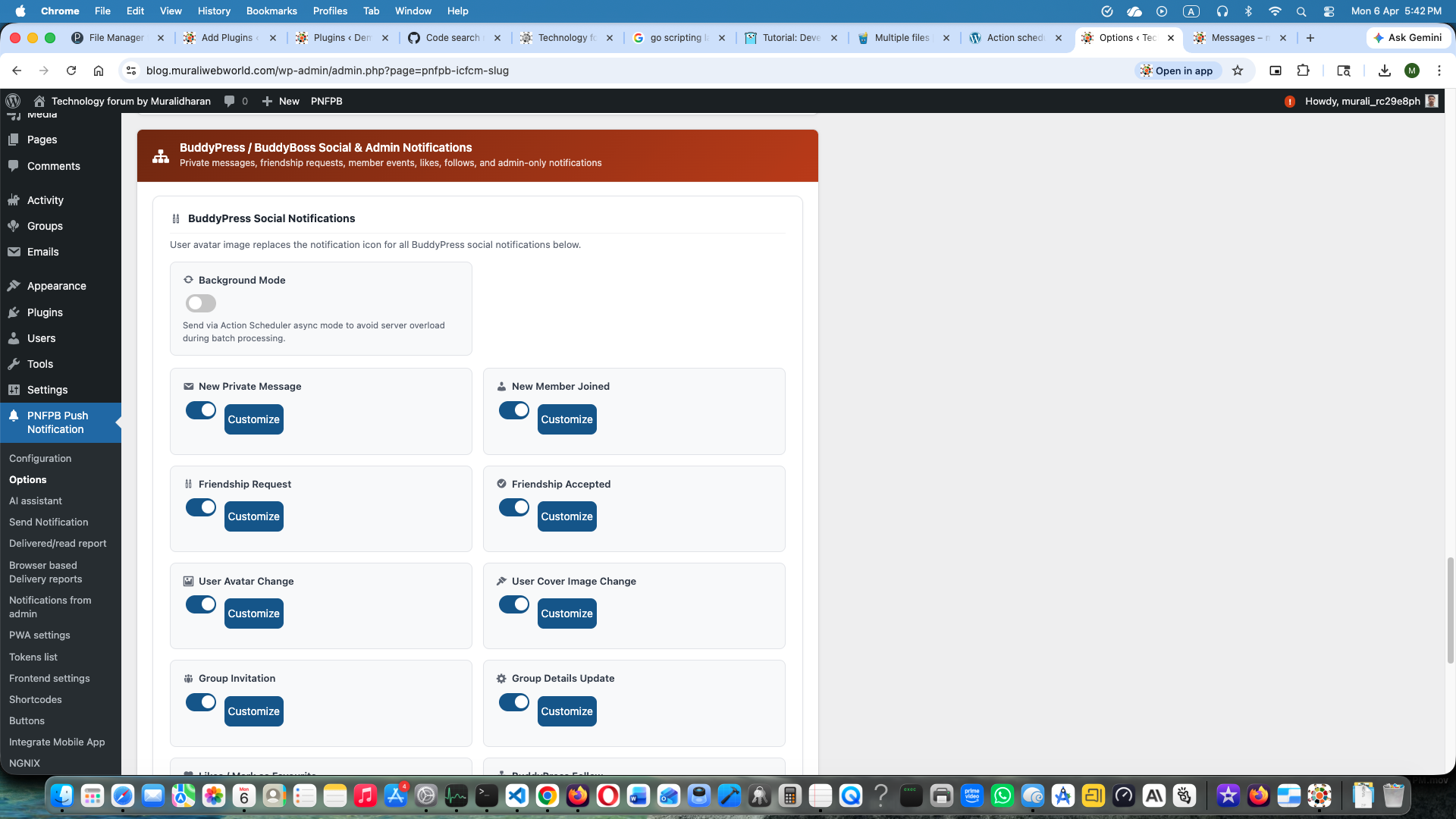
- Private message sent — delivered only to the recipient (compatible with BP Better Messages).
- Friendship request sent — delivered only to the recipient.
- Friendship request accepted — delivered only to the requester.
- New member joined.
- Member avatar changed.
- Member cover image changed.
- Group details updated — delivered to group members.
- Group invitation sent — delivered only to the invited user.
- Activity marked as favourite / liked — delivered to the activity author.
- BuddyPress follow (requires BuddyPress Followers plugin).
Admin-only notifications
- Contact Form 7 submission received.
- New user registration.
Full documentation is available at wiki.pnfpb.com.
Scheduling
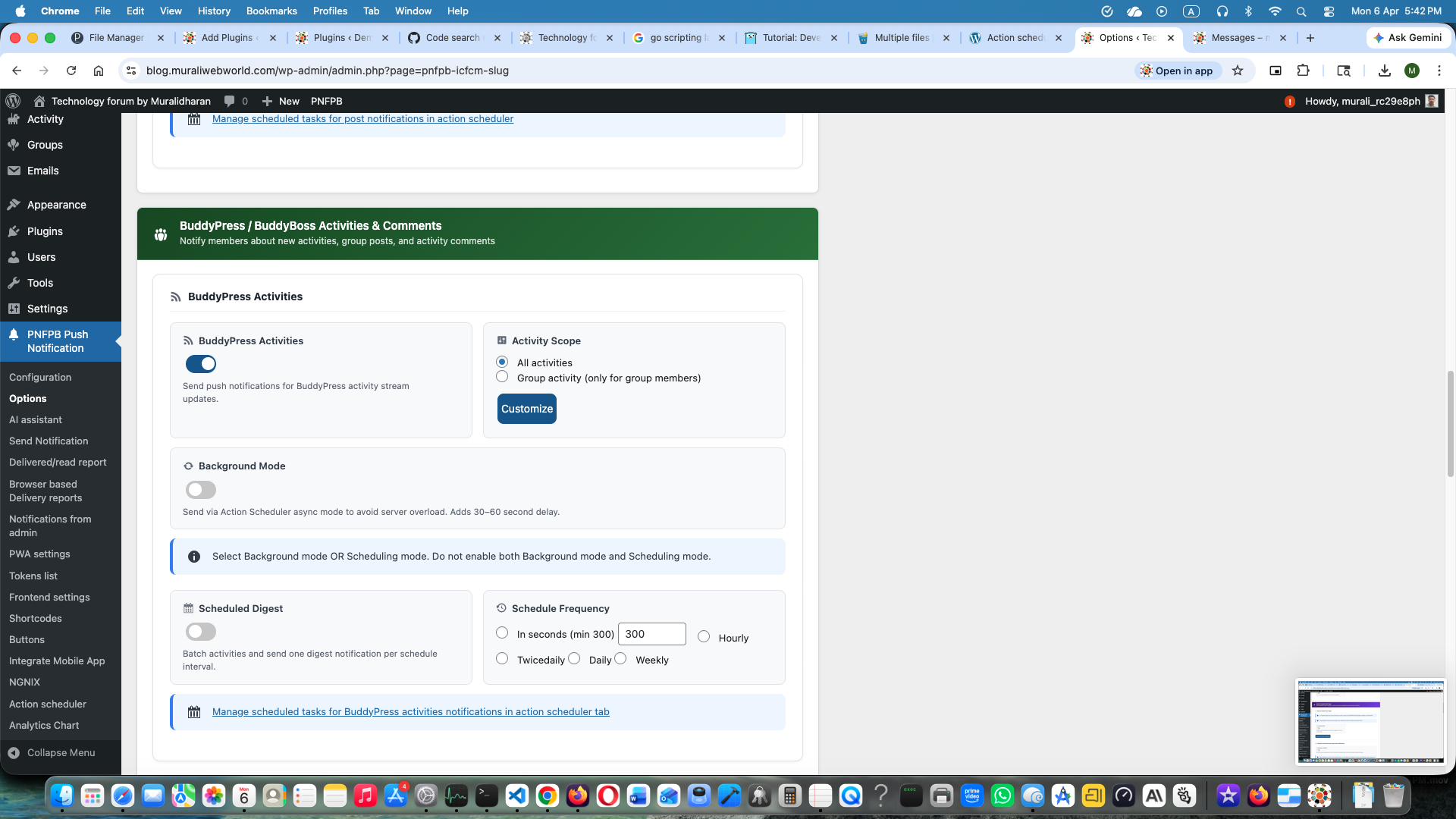
Every notification type can be sent immediately or scheduled using WordPress Cron (hourly, twice-daily, daily, weekly). For high-volume sites, enable background scheduling via Action Scheduler to process 200,000+ subscribers without hitting PHP execution limits.
On-Demand Push
Send a push notification to all subscribers at any time from the admin panel — with a custom title, message body, image, and click URL. One-time and recurring schedules (daily, weekly, monthly) are supported.
AI Assistant
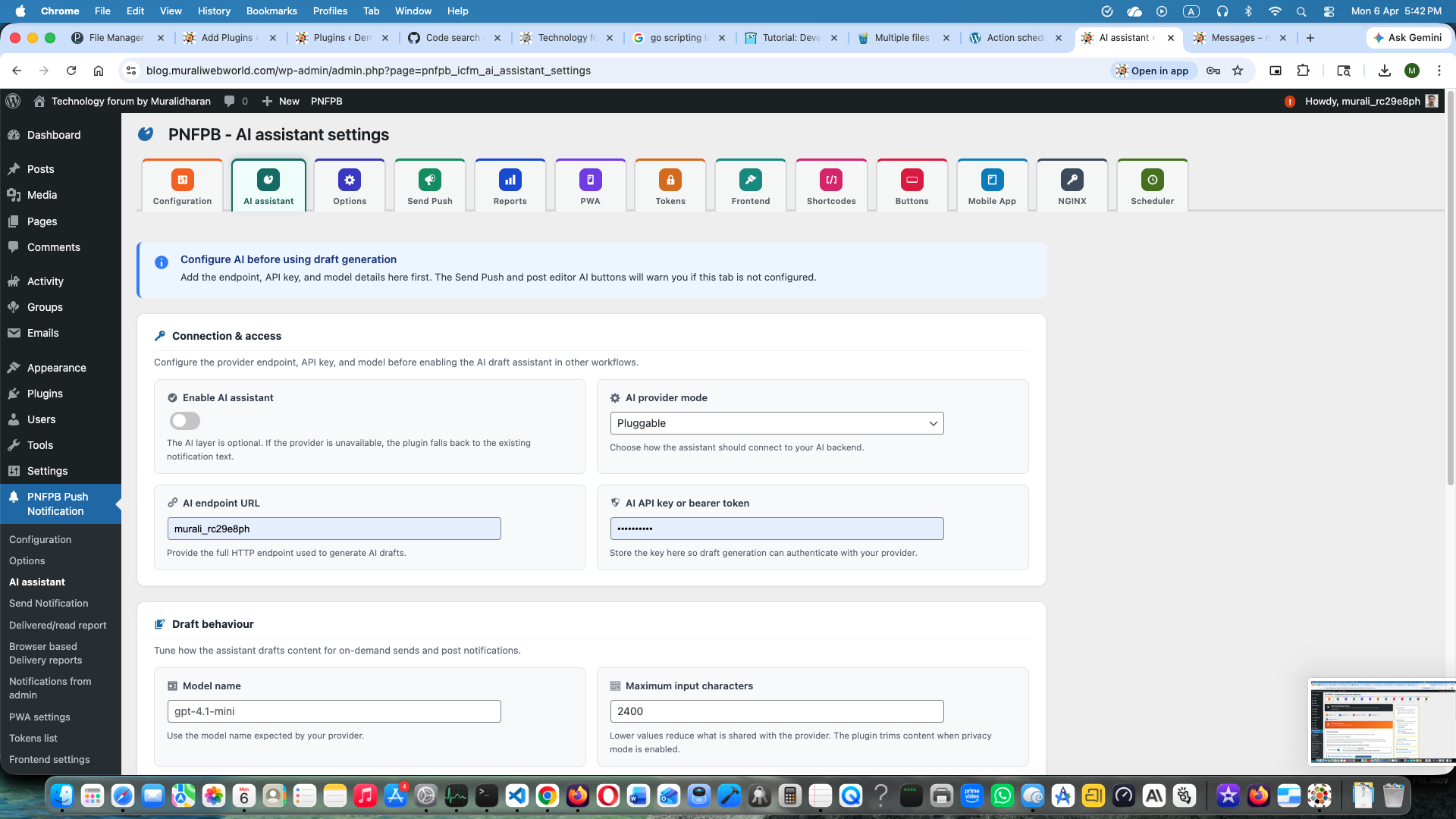
PNFPB includes an optional AI assistant for two workflows:
- On-demand push – generate a notification draft from the current form data before sending.
- Post notification – generate suggested title, content, and send time from the post editor.
The AI layer uses a provider contract so the backend can be swapped later without changing the notification workflow. You can also control privacy settings so only the required content is shared with the AI provider.
Frontend Subscription Controls
- Custom popup prompt — configurable subscription dialog that appears automatically in the browser. Users can select which notification types they want (posts, activities, comments, friendships, etc.) at subscribe time or later.
- Bell icon prompt — persistent bell widget for subscribe/unsubscribe without a full page reload.
- BuddyPress profile tab — a Push Notifications tab is added to each member’s profile settings for managing subscriptions.
- Group subscribe button — subscribe/unsubscribe button added to BuddyPress group headers.
Shortcodes
[subscribe_PNFPB_push_notification]— renders an inline subscribe/unsubscribe button with a notification-type preference panel. All button labels and colors are configurable under PNFPB Customize Buttons.[PNFPB_PWA_PROMPT]— renders the PWA install prompt. Use this when the automatic footer prompt is disabled and you want a specific page or sidebar widget to trigger the install flow.
Progressive Web App (PWA)
PNFPB generates a web app manifest (pnfpbmanifest.json) and service worker (pnfpb_icpush_pwa_sw.js) so visitors can install your site as a home-screen PWA on any device.
- Configure app name, short name, start URL, display mode, theme color, background color, and icons (192×192 and 512×512 PNG required).
- Define a list of page URLs to cache for offline viewing. Uncached pages fall back to a built-in offline page.
- Customisable PWA install prompt (banner or dialog style) with separate iOS guidance (Safari Share Add to Home Screen).
- iOS 17.0+ required for full PWA install support.
- NGINX servers: if dynamic file serving is unavailable, enable the static file option in PNFPB NGINX settings to write the service worker and manifest as static files to the site root.
Mobile App Integration
- REST API — register FCM/APNs device tokens from native Android or iOS apps via
POST /wp-json/pnfpb/v1/subscribe. Allows push notifications to reach both web subscribers and native app users from the same WordPress event. - webtoapp.design — dedicated integration for WebView-based apps generated by webtoapp.design.
- Sample Android and iOS client code is available on GitHub (linked in the installation instructions below).
Multisite
The plugin is multisite-compatible. On network activation it creates the required database tables for every existing site, and automatically provisions tables for new sites added to the network.
Firebase Analytics
When Google Analytics is linked to your Firebase project the plugin sends notification_open, notification_read, and page_view events to the Firebase Analytics console for open-rate reporting.
Developer Extensibility
- Action hooks to trigger post or BuddyPress activity notifications programmatically from your own code.
- Filter hook
pnfpb_service_worker_extensionto inject custom JavaScript into the generated service worker — the standard integration point for combining PNFPB with other service-worker-based plugins. - Full hook, filter, REST API, and database schema reference: wiki.pnfpb.com/developer-reference/
Demo
Knowledgebase
Screenshots
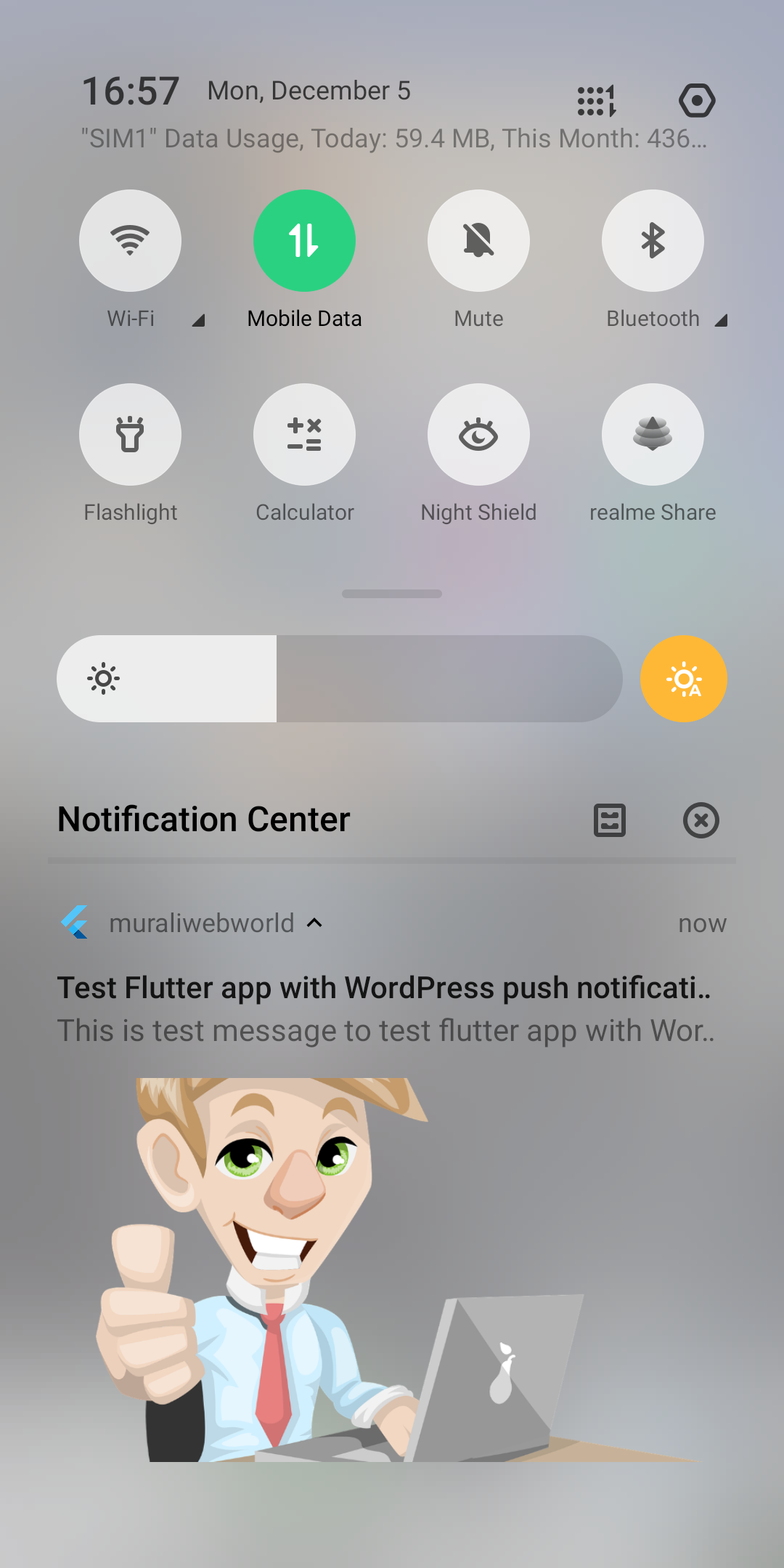
Push notification received on a mobile device. 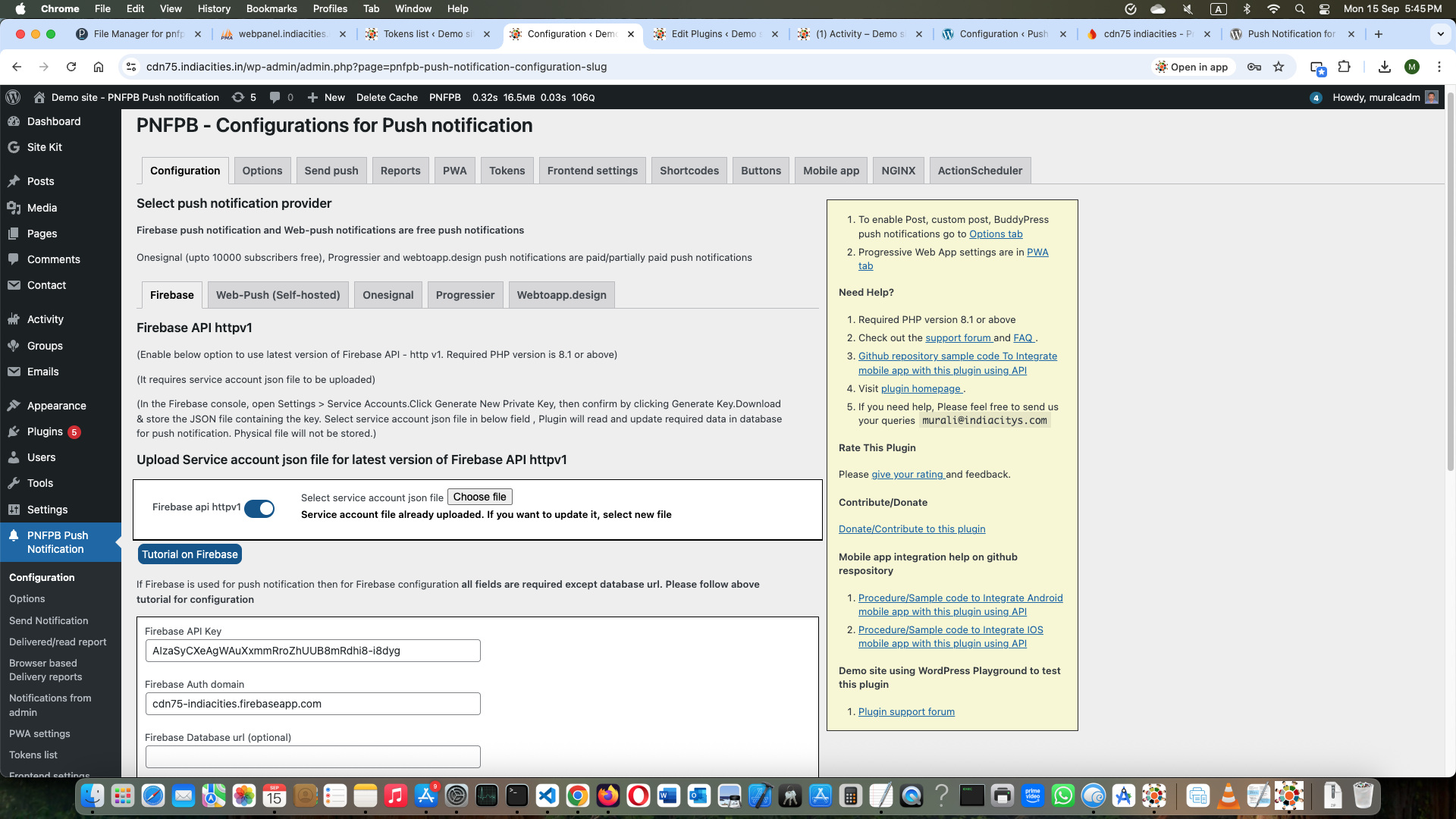
Desktop browser push notification. 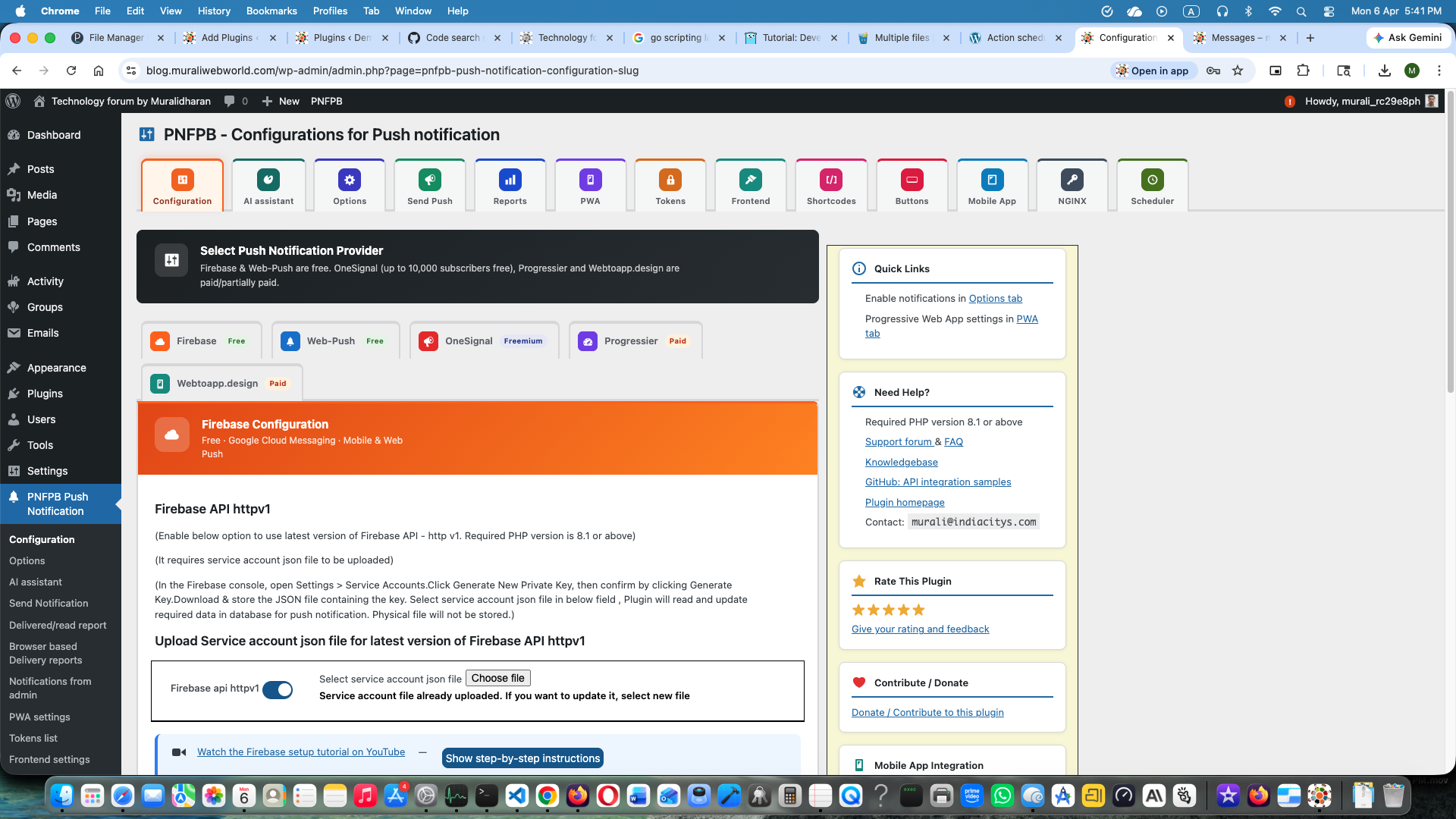
Plugin settings — Firebase configuration tab. 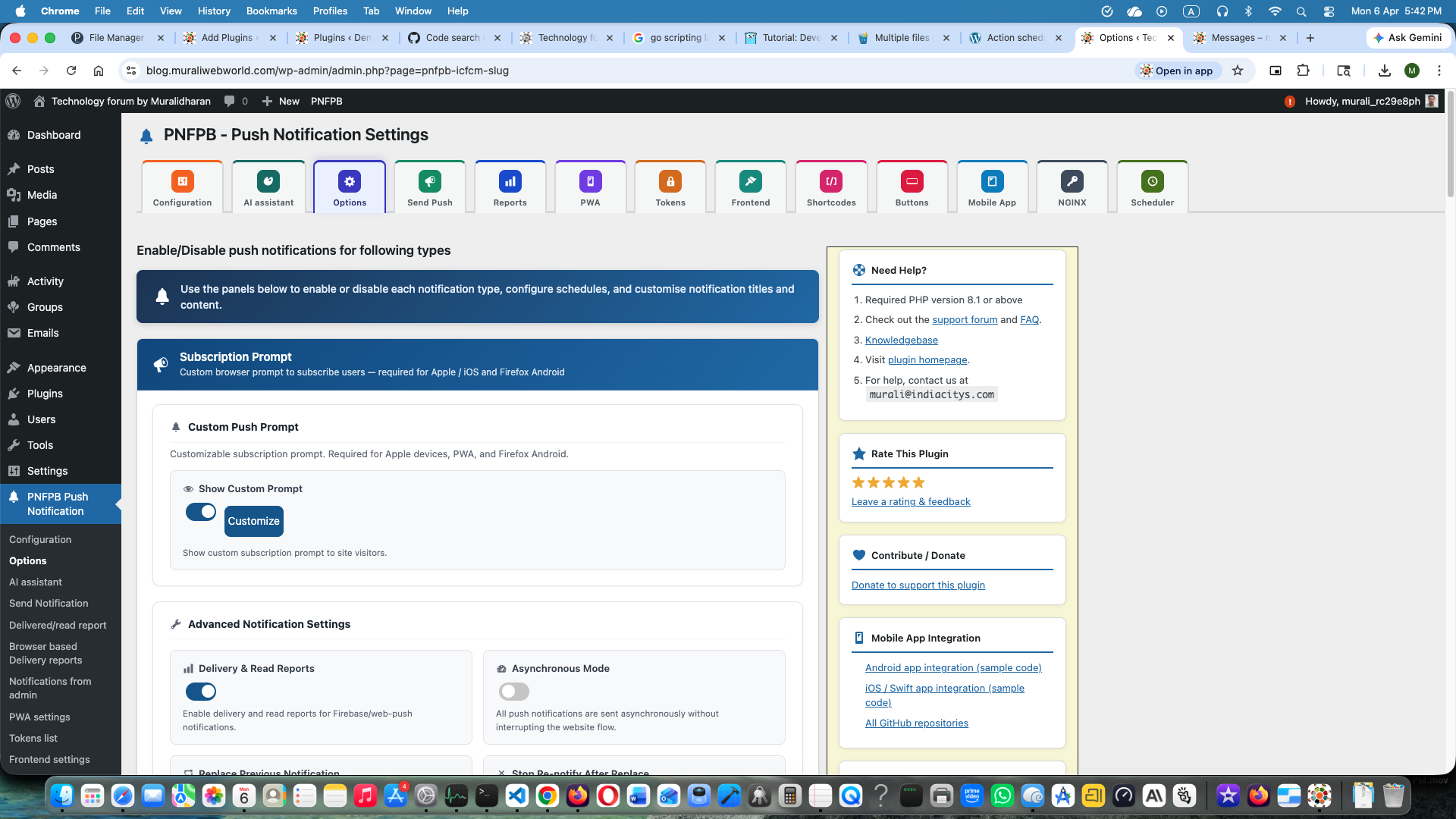
Plugin settings — push notification options including BuddyPress triggers. 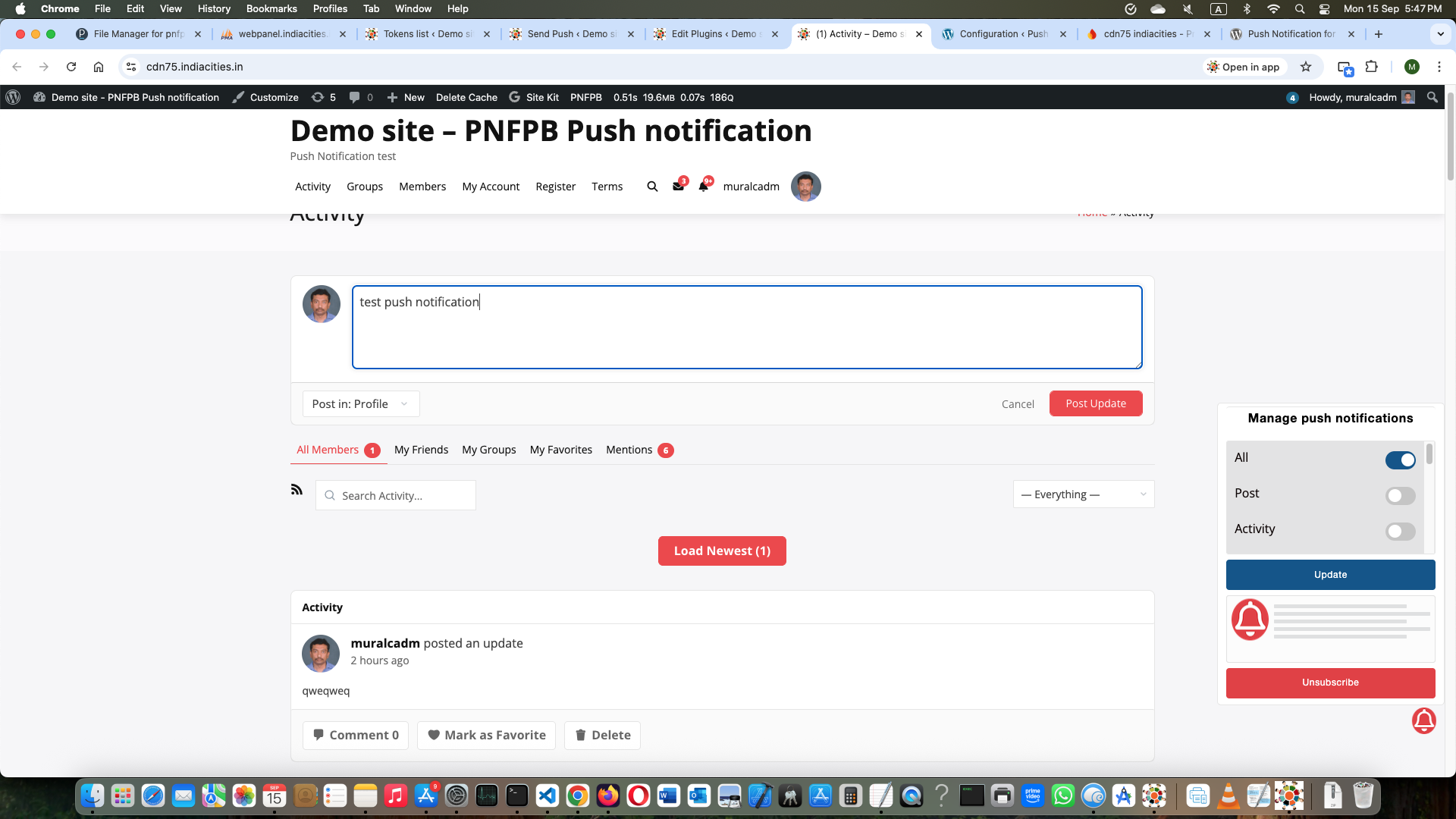
Frontend shortcode subscription panel — users select which notification types to receive. 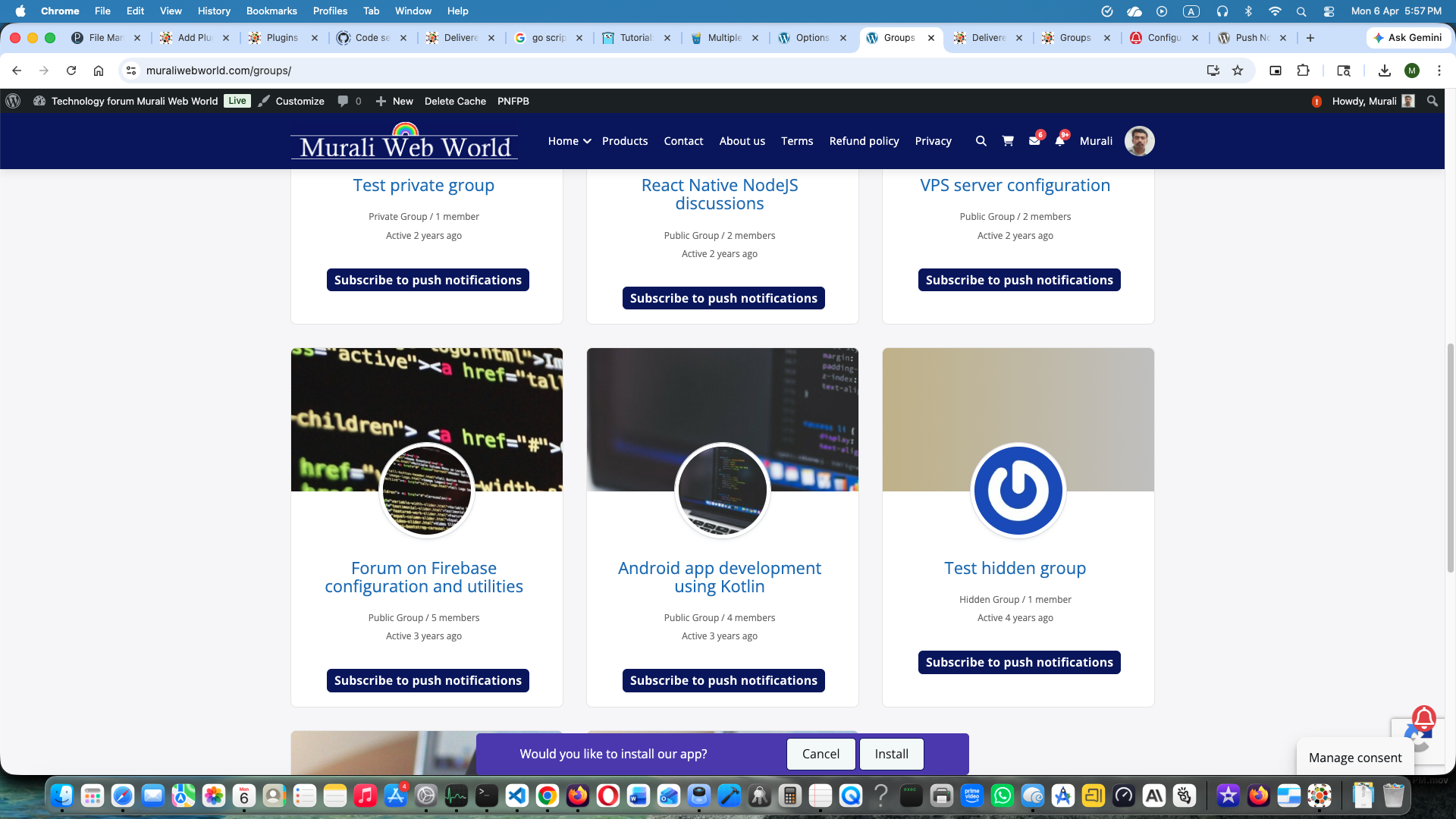
BuddyPress group page showing the group subscribe / unsubscribe push notification button. 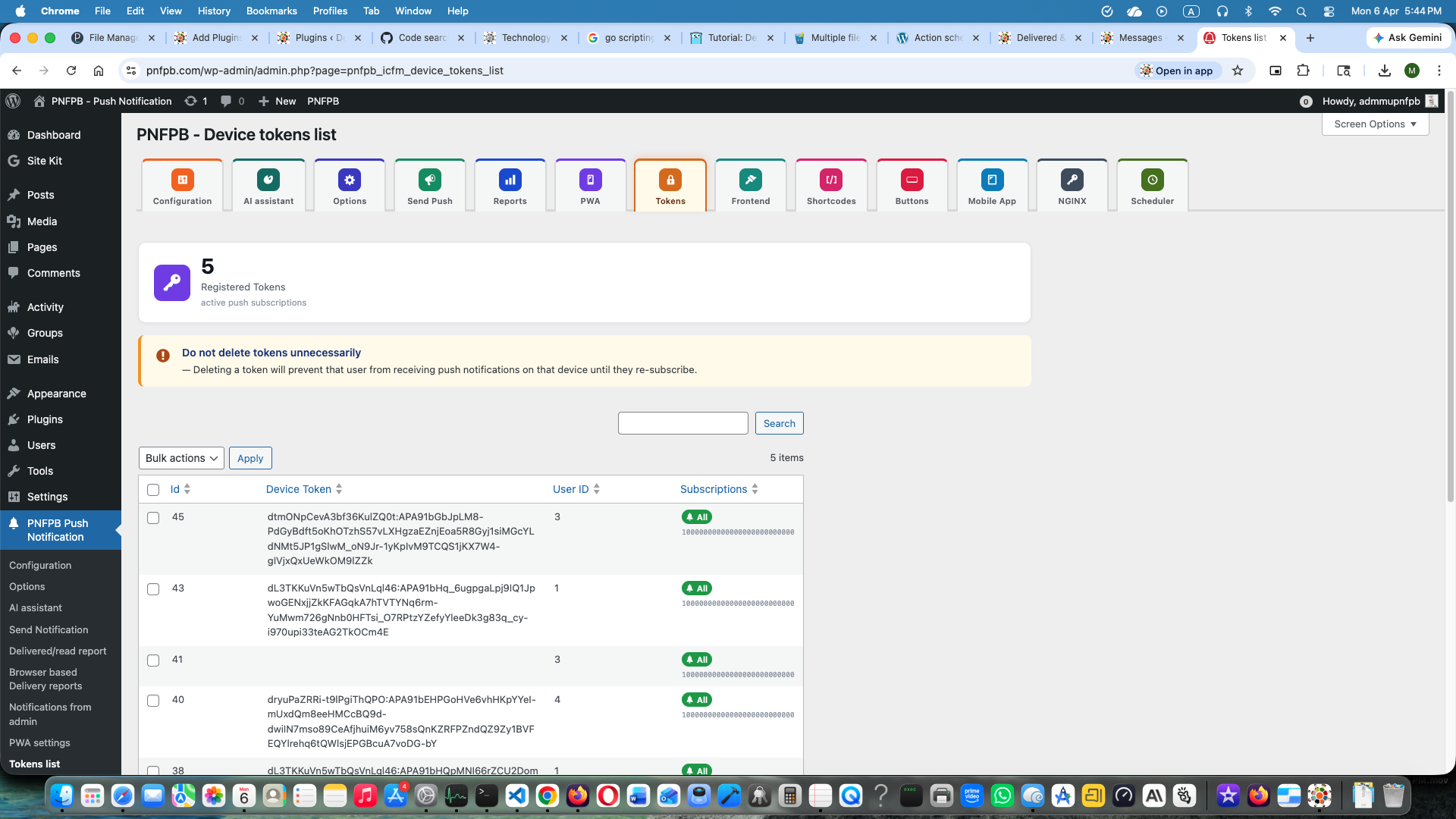
Admin subscriber token list. 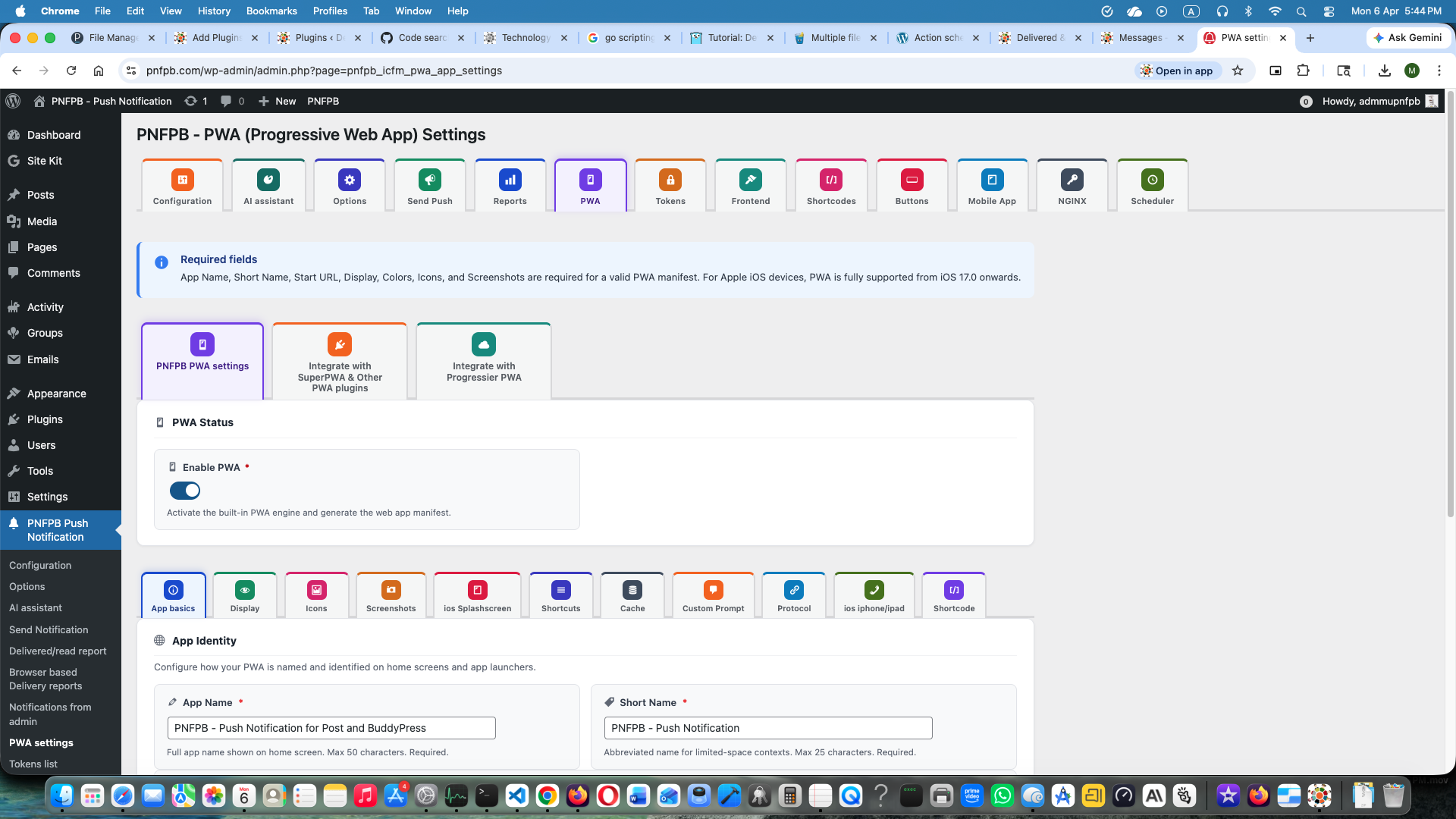
Progressive Web App (PWA) settings page. 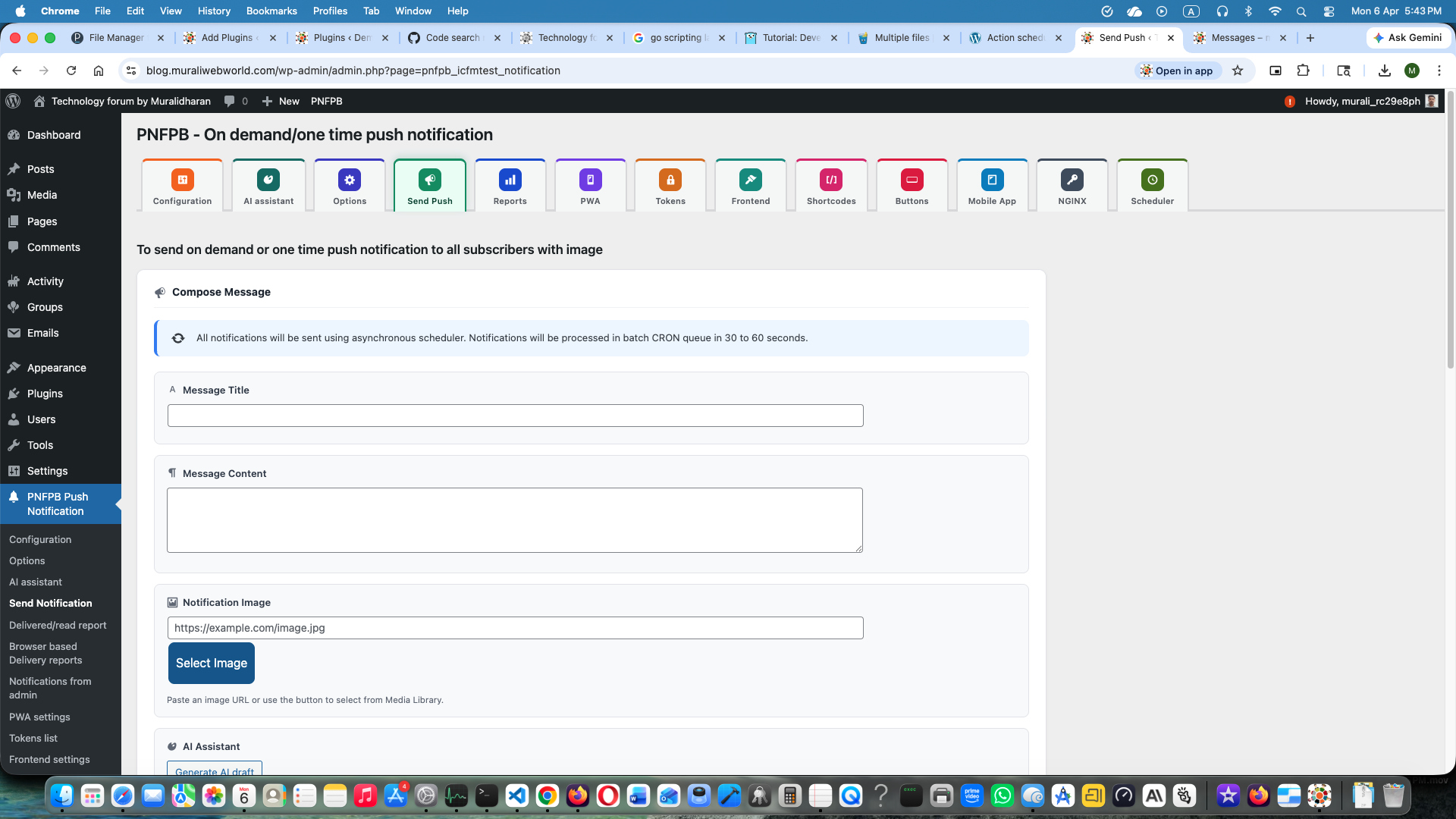
On-demand push notification admin panel. 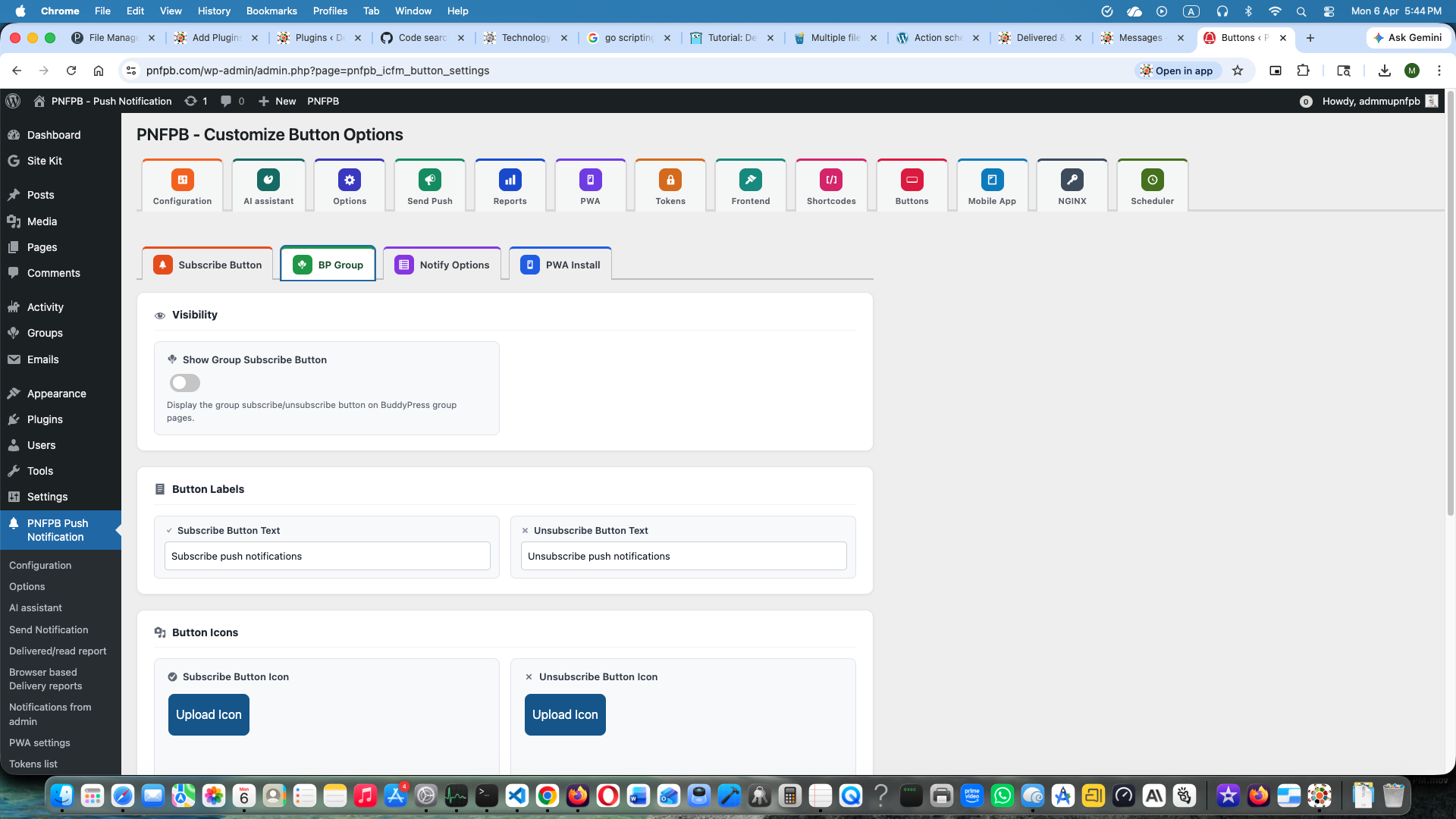
Customize buttons and labels settings. 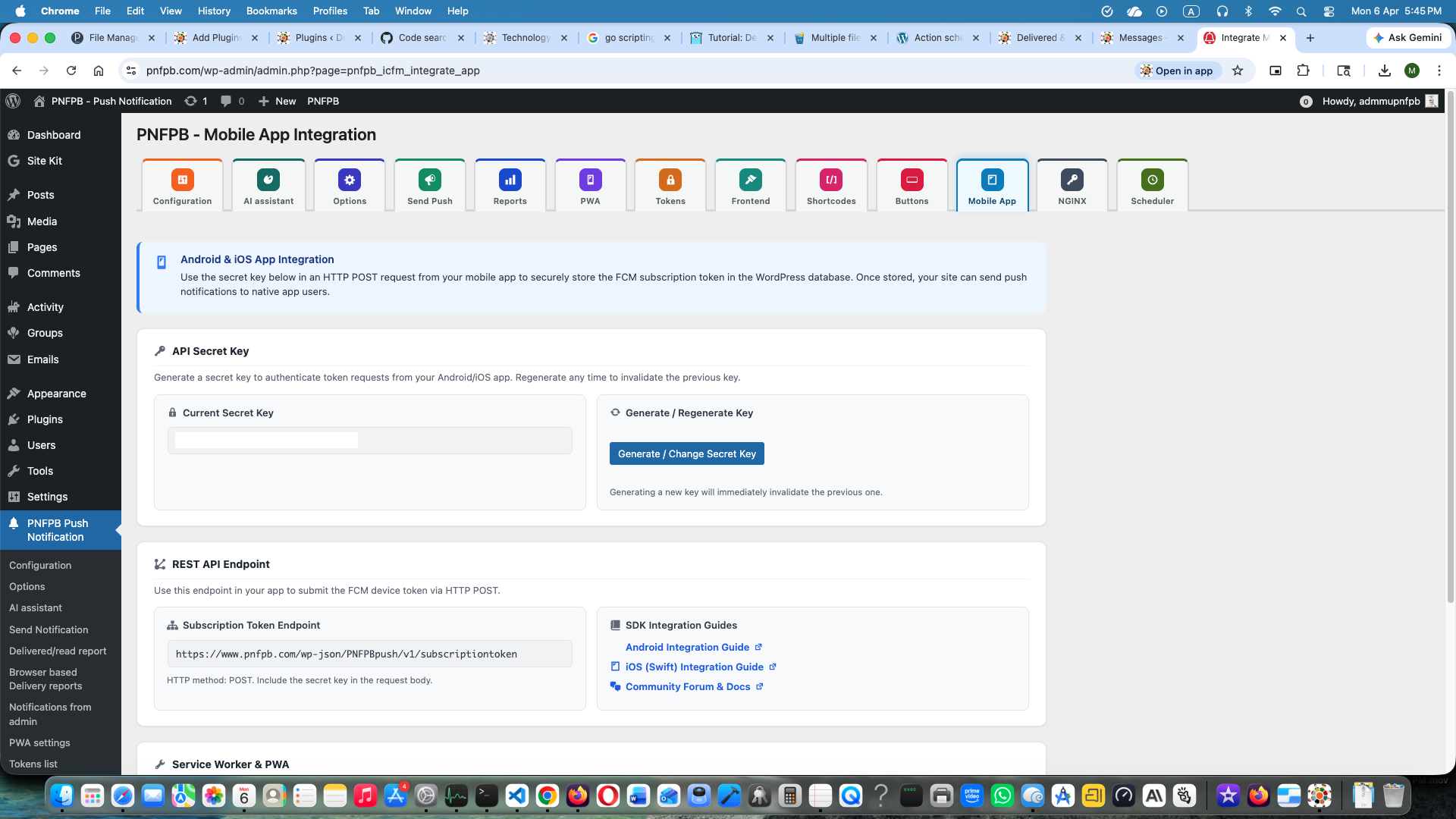
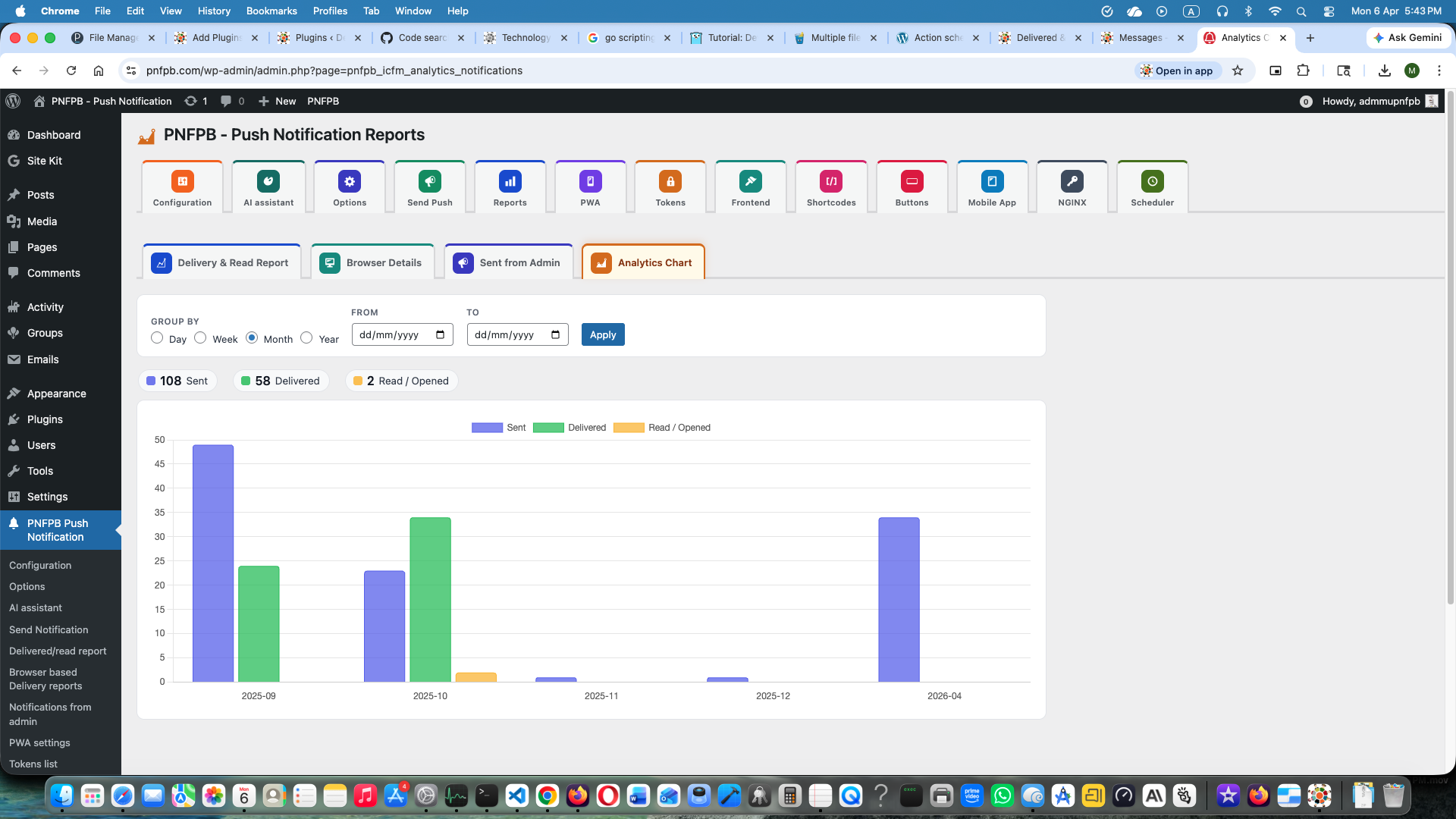
Mobile app REST API configuration tab. 12.Special settings for NGINX based server 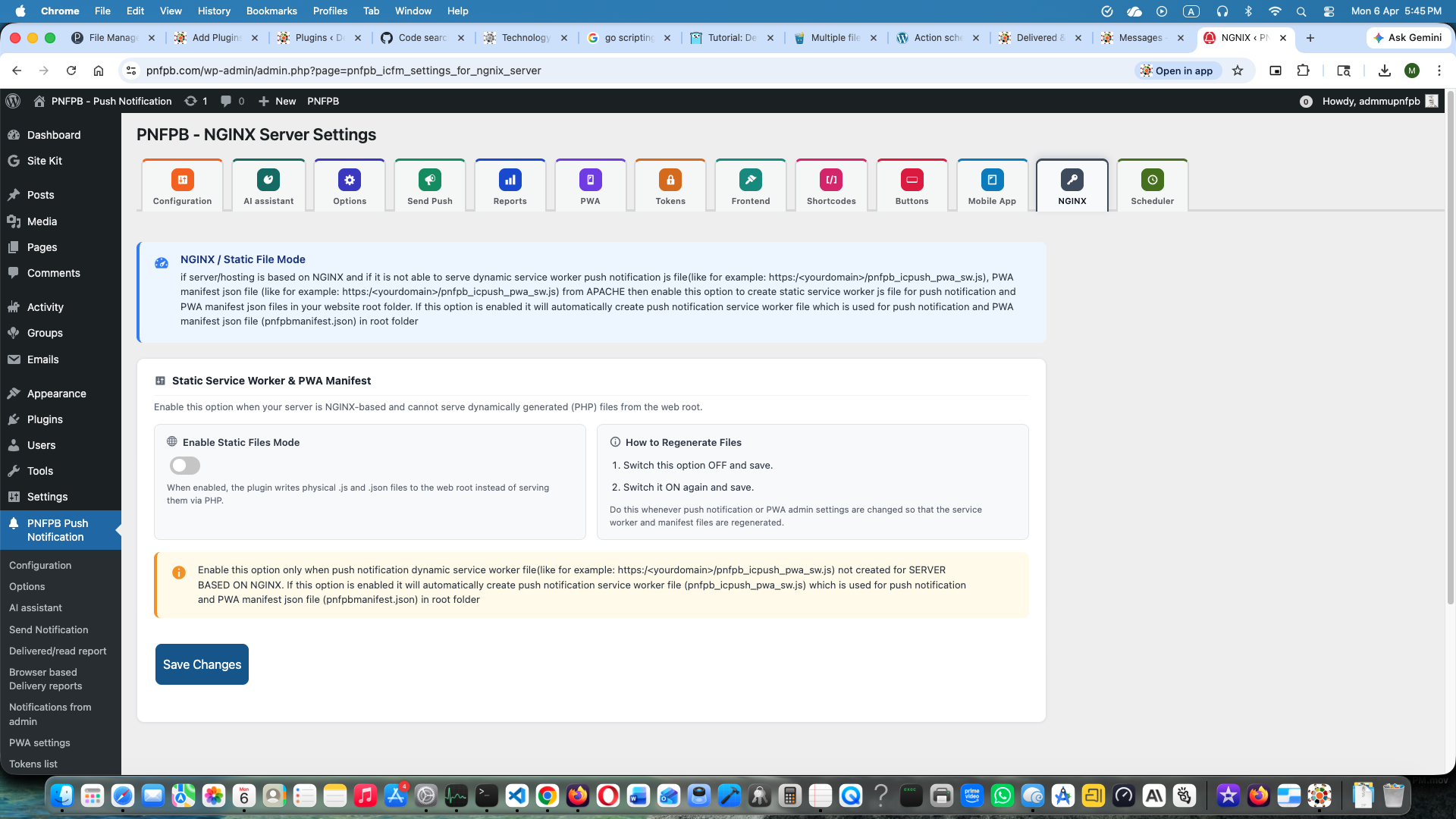
Installation
Requirements
- WordPress 6.2 or later
- PHP 8.1 or later
- MySQL 5.7+ or MariaDB 10.3+
- SSL / HTTPS (required by all modern push APIs)
- BuddyPress (optional — only required for BuddyPress notifications)
Install from WordPress.org
- In your admin dashboard go to Plugins Add New.
- Search for Push Notification for Post and BuddyPress.
- Click Install Now, then Activate.
Manual Installation
- Download the plugin ZIP from wordpress.org/plugins/push-notification-for-post-and-buddypress/.
- Go to Plugins Add New Upload Plugin.
- Choose the ZIP file and click Install Now, then Activate Plugin.
Quick Start
- Go to Settings Push Notification using FCM (or use the side-menu link).
- In the Firebase Configuration tab enter your Firebase project credentials (API Key, Auth Domain, Project ID, Storage Bucket, Messaging Sender ID, App ID, VAPID public key) and upload your Service Account JSON file to enable HTTP v1.
- In the Push Settings tab enable the notification types you need.
- Visit your site in a browser and allow the push notification permission prompt.
- Publish a test post or use On-Demand Push to send an immediate notification.
Firebase Credential Reference
- Firebase config values (API Key App ID): Firebase Console Project Settings General Your apps Config.
- VAPID public key: Firebase Console Project Settings Cloud Messaging Web Push certificates Generate key pair. Do not generate a second pair after subscribing users — it invalidates existing tokens.
- Service Account JSON (HTTP v1): Firebase Console Project Settings Service accounts Generate new private key.
For a full walkthrough see the video tutorial above or wiki.pnfpb.com/firebase-configuration/.
Mobile App Integration
FAQ
-
Do I need BuddyPress to use this plugin?
-
No. Post notifications, on-demand push, PWA, frontend subscription, and mobile app integration all work without BuddyPress. BuddyPress notifications are an optional addition.
-
What is the difference between Firebase HTTP v1 and WebPush?
-
Firebase HTTP v1 uses Google’s FCM infrastructure and requires a service account JSON file. It supports both web browsers and native Android/iOS push. WebPush (VAPID) is a self-hosted open standard that requires no Google account but is limited to web browsers only.
-
Does PWA work on iOS?
-
Full PWA install requires iOS 17.0 or later. The install path on iOS is: Safari Share Add to Home Screen. The plugin displays iOS-specific guidance in its install prompt automatically.
-
How many subscribers can the plugin handle?
-
There is no hard subscriber limit. For sites with more than 1,000 subscribers, enable Background Scheduling for all notification types to avoid PHP execution time limits. For very high volumes (100,000+) consider a hosted provider such as OneSignal or Progressier.
-
Can I use multiple push providers at the same time?
-
Yes. Firebase HTTP v1 (or WebPush / OneSignal) handles browser and mobile subscribers, while webtoapp.design handles users of your generated mobile app. Both run simultaneously. OneSignal and Progressier are alternatives to Firebase — they do not run alongside it.
-
Why is my Measurement ID field empty?
-
The Measurement ID (
measurementId) is only present in Firebase projects where Google Analytics is enabled. It is optional — the plugin works fully without it. -
What happens when I deactivate the plugin?
-
Deactivation unschedules all WP Cron and Action Scheduler jobs. The database tables and stored device tokens are not deleted on deactivation; they are only removed on full uninstall via
uninstall.php. Reactivating the plugin immediately restores all functionality. -
Where are subscriber tokens stored?
-
In the
{prefix}pnfpb_ic_subscribed_deviceids_webdatabase table. Do not bulk-delete rows unless the tokens are confirmed invalid — deleting a valid token permanently unsubscribes that user. -
Is the plugin compatible with WooCommerce?
-
Yes. WooCommerce products are a custom post type. Enable push notifications for the
productpost type in PNFPB settings to notify subscribers when new products are published. -
My NGINX server is not serving the service worker or manifest. What should I do?
-
Go to PNFPB NGINX settings, enable the static file creation option. The plugin will write
pnfpb_icpush_pwa_sw.jsandpnfpbmanifest.jsonas static files to your site root. See wiki.pnfpb.com/nginx-setup/ for details. -
How do I report a security vulnerability?
-
Report security bugs through the Patchstack Vulnerability Disclosure Program. Report a security vulnerability.
-
Where can I get support?
Reviews


Contributors & Developers
“Push Notification for Post and BuddyPress” is open source software. The following people have contributed to this plugin.
Contributors
Translate “Push Notification for Post and BuddyPress” into your language.
Interested in development?
Browse the code, check out the SVN repository, or subscribe to the development log by RSS.
Changelog
3.14 version
- Added optional AI assistant for on-demand push and post notification drafts.
- Added provider contract, privacy controls, and dismissible upgrade notice.
- Modernized admin plugin settings.
- Performance improvement and bug fixes